Windows · Overlay App · v1.0

Stream Deck for Everyone.
No Hardware Needed.

A Windows overlay that does what the $150 Elgato Stream Deck does. 64 customizable buttons, always on top, never in the way. 100% free.

Download DeskStation — Free See how it works Free forever · No account required · Windows 10/11
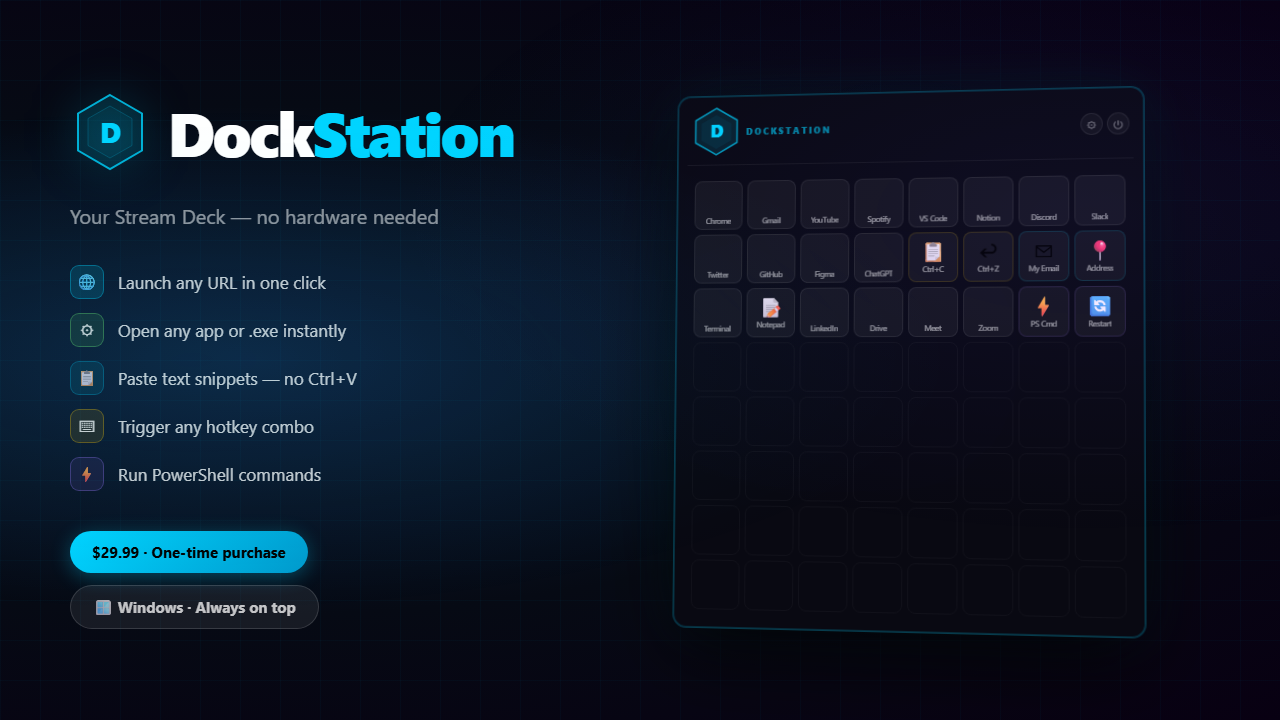
DeskStation overlay showing an 8x8 grid of customizable buttons floating over a Windows desktop

Features

Everything your Stream Deck does.
Nothing it doesn't.

Assign any action to any button. Drag anywhere. Double-press Alt to hide. That's it.

🚀

Launch Apps & EXEs

Open any program, game, or script with one tap. Supports .exe, .bat, and PowerShell scripts.

🔗

Open URLs Instantly

Your most-visited sites in one click — dashboards, Notion pages, Google Meet links.

📋

Paste Text in One Click

Store any snippet — addresses, templates, code blocks — and inject it anywhere. No Ctrl+V.

⌨️

Trigger Hotkeys

Map complex keyboard shortcuts to one button. Mute mic, switch OBS scenes, any key combo.

📦

Import Stream Deck Profiles

Already on Elgato? Import your .sdProfile and your entire setup transfers over instantly.

📌

Always-on-Top Overlay

Floats above every window. Double-Alt to toggle. Drag to any corner. Lives in your system tray.
Screenshots

See it in action.

A transparent overlay that stays out of your way until you need it.

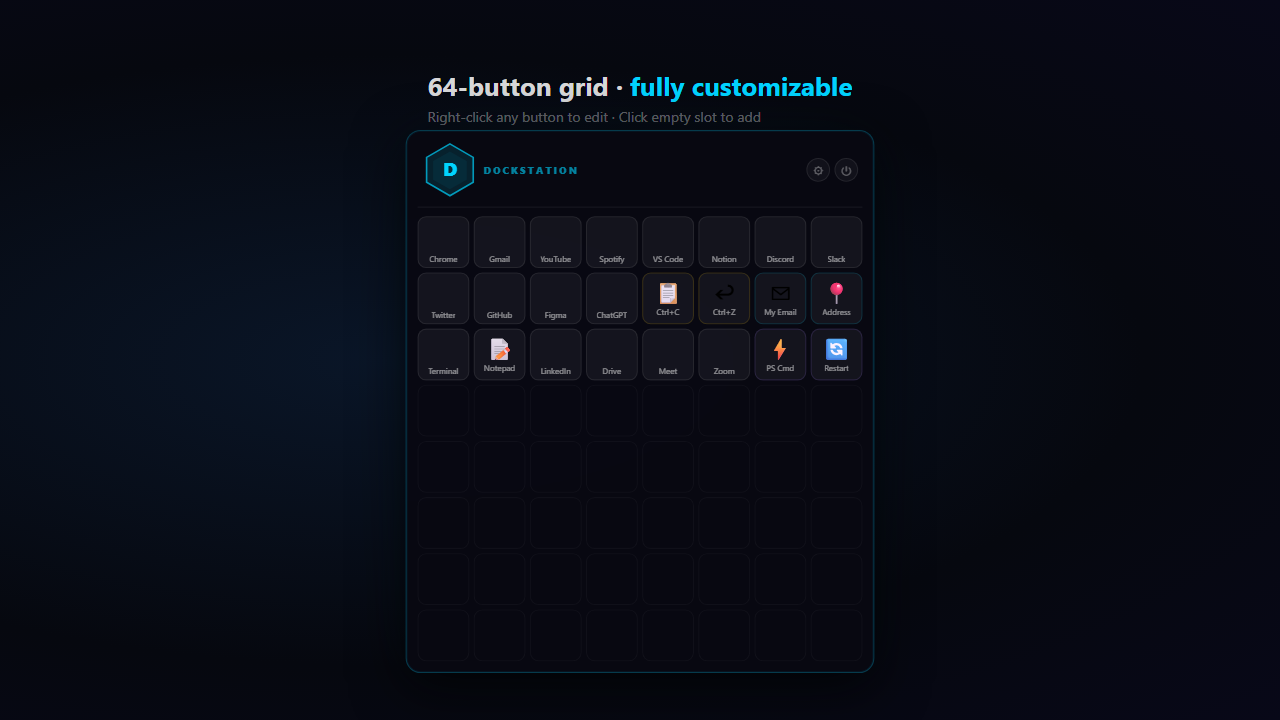
DeskStation 8x8 button grid fully customized with app launchers and shortcuts
// 64-button grid — fully customized
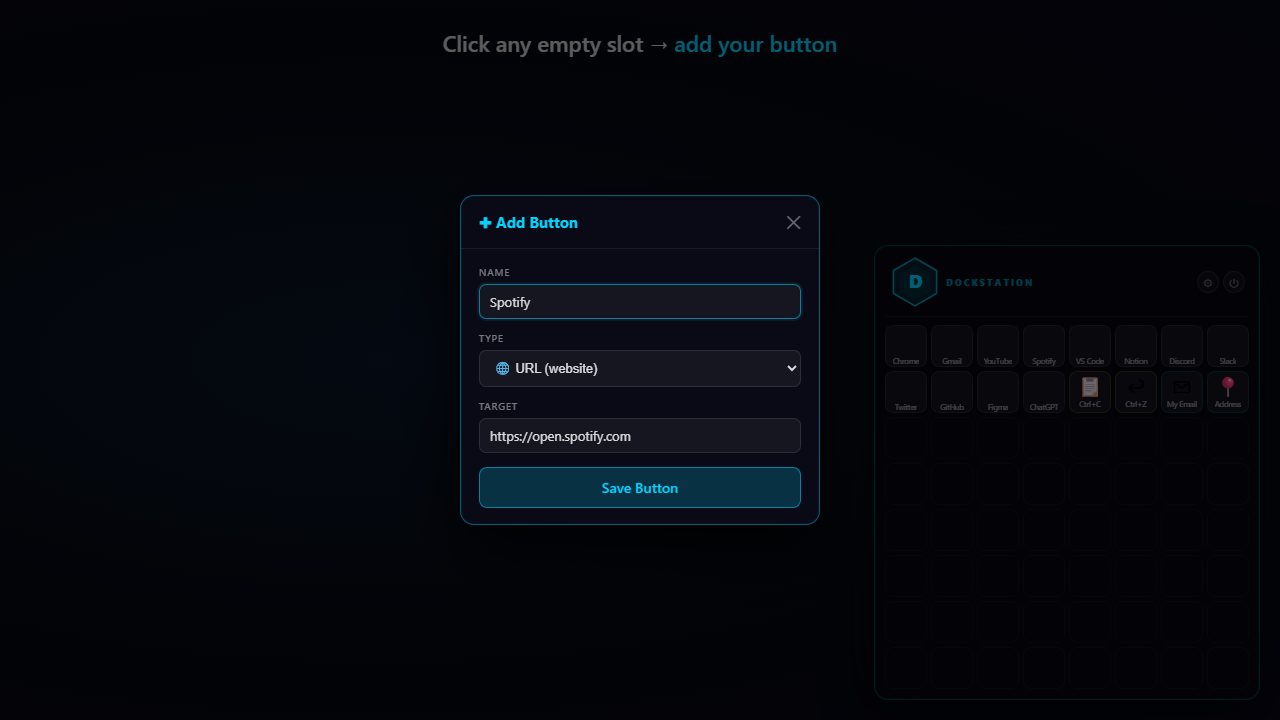
DeskStation add button dialog showing button type options
// Add button dialog
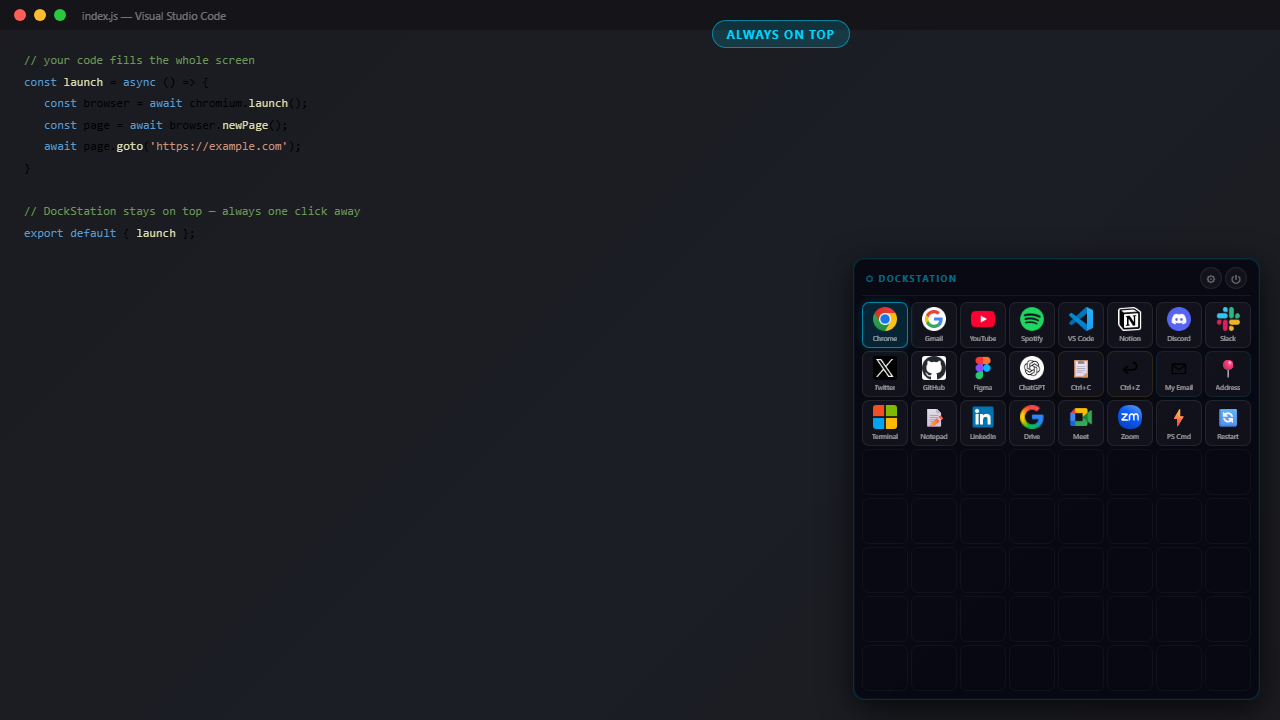
DeskStation overlay floating over a Windows app
// Floating over any app

Setup

Three steps. Under five minutes.

No drivers, no hardware, no complicated setup.

01

Download & Run

Download the installer from this page. Double-click and it runs — no drivers, no account, no admin rights required.

02

Set Up Your Buttons

Click any empty button and assign an action: open a URL, launch an app, paste text, or trigger a hotkey. Or import your Stream Deck profile.

03

Use It Everywhere

DeskStation floats above every window. Double-press Alt to show or hide. Drag to any corner. Starts automatically with Windows.

Download

Free. Forever.

No subscriptions. No account. No catch. Just download and use.

100% FREE
$0

Free forever. Updates included.

  • 64-button 8×8 overlay grid
  • URL, app, text paste, hotkey & PowerShell buttons
  • Stream Deck profile import (.sdProfile)
  • Always-on-top overlay with drag reposition
  • Double-Alt hide/show toggle
  • System tray & auto-start on Windows boot
  • All future updates included
  • Windows 10 & 11
Download DeskStation →

vs. Elgato Stream Deck: $149.99 hardware + required physical device. DeskStation does the same on any Windows PC for $0.